

Screenshots
How to use it

Description
Memorizate is an app that lets you play the classic memory match game, but with your own memories — photos* of your vacations, concerts, family, friends, partner, pets, etc. So get ready to relive those moments and have fun all day.
Instructions:
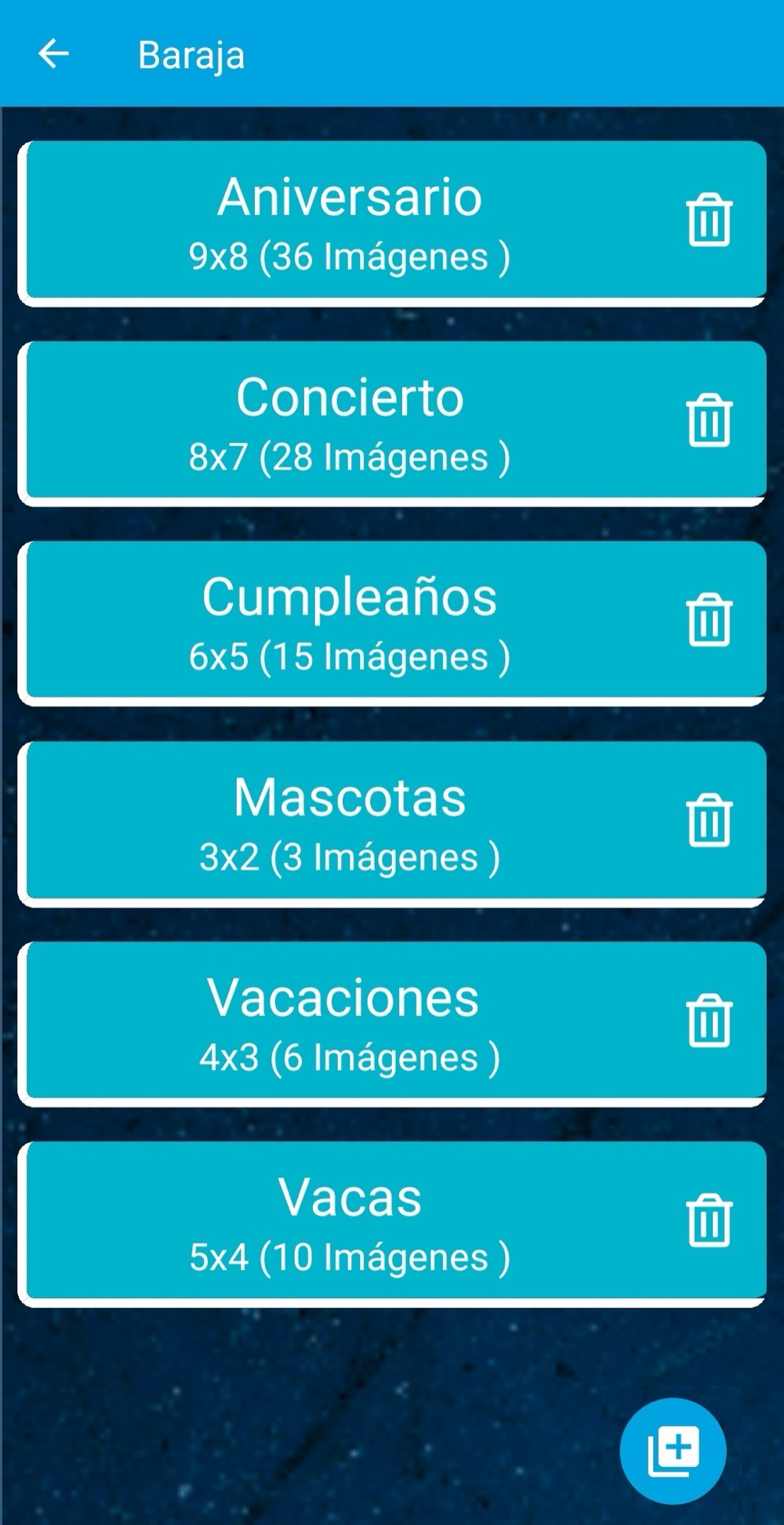
- To start, select the "Deck" menu on the main screen.
- Once inside, tap the button at the bottom right.
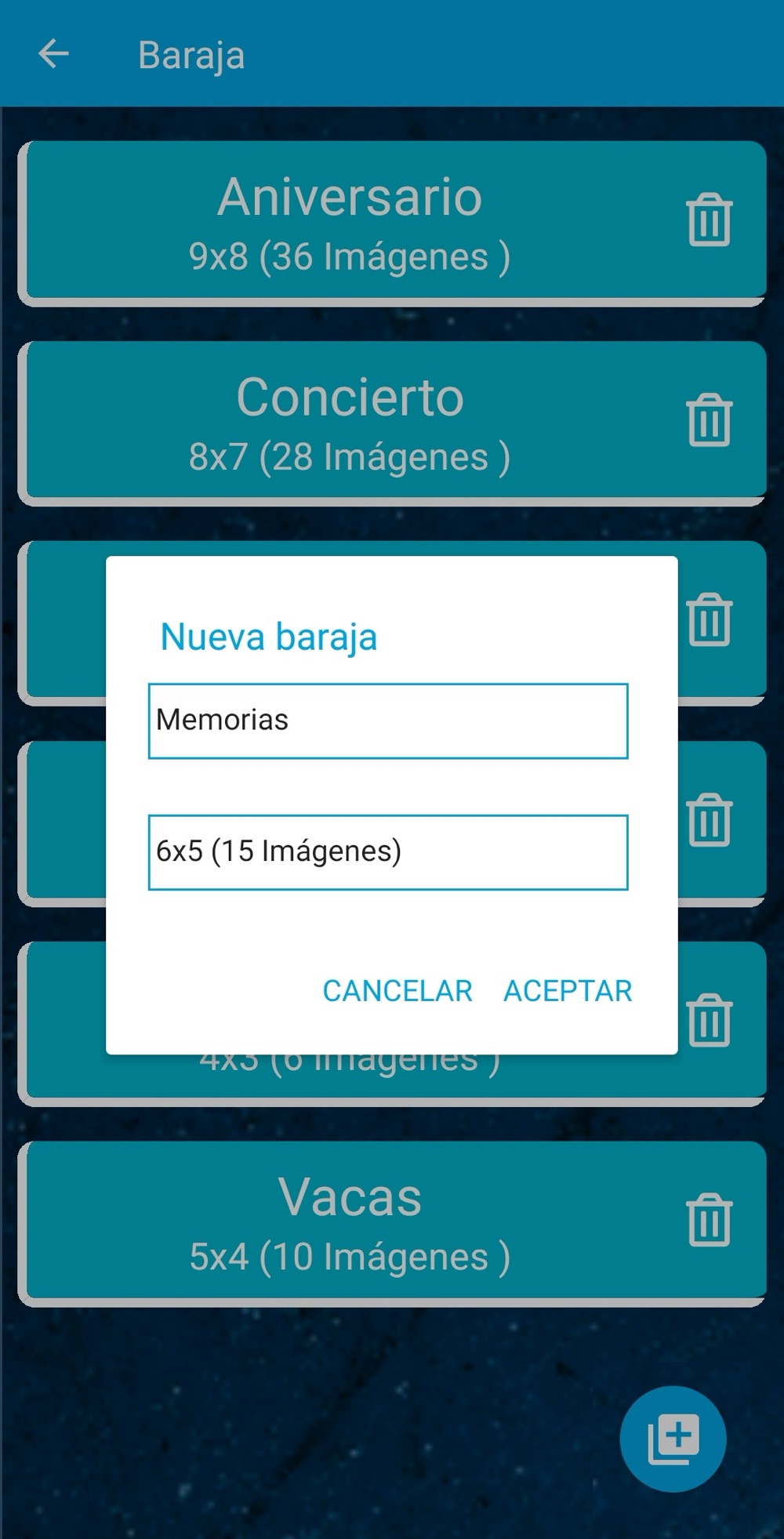
- A window appears asking for a name; enter it to tell this deck apart from the others.
- Then choose a deck size and see how many images it asks for.
- Tapping "Accept" shows your device's images, where you must pick the previously selected number of cards. If you don't pick the correct number of cards, an error message appears and you can't continue.
- Once you've created at least one deck, you can go back to the main menu to start playing.
- Tapping "Play", choose how many people are available to play (minimum one, maximum four).
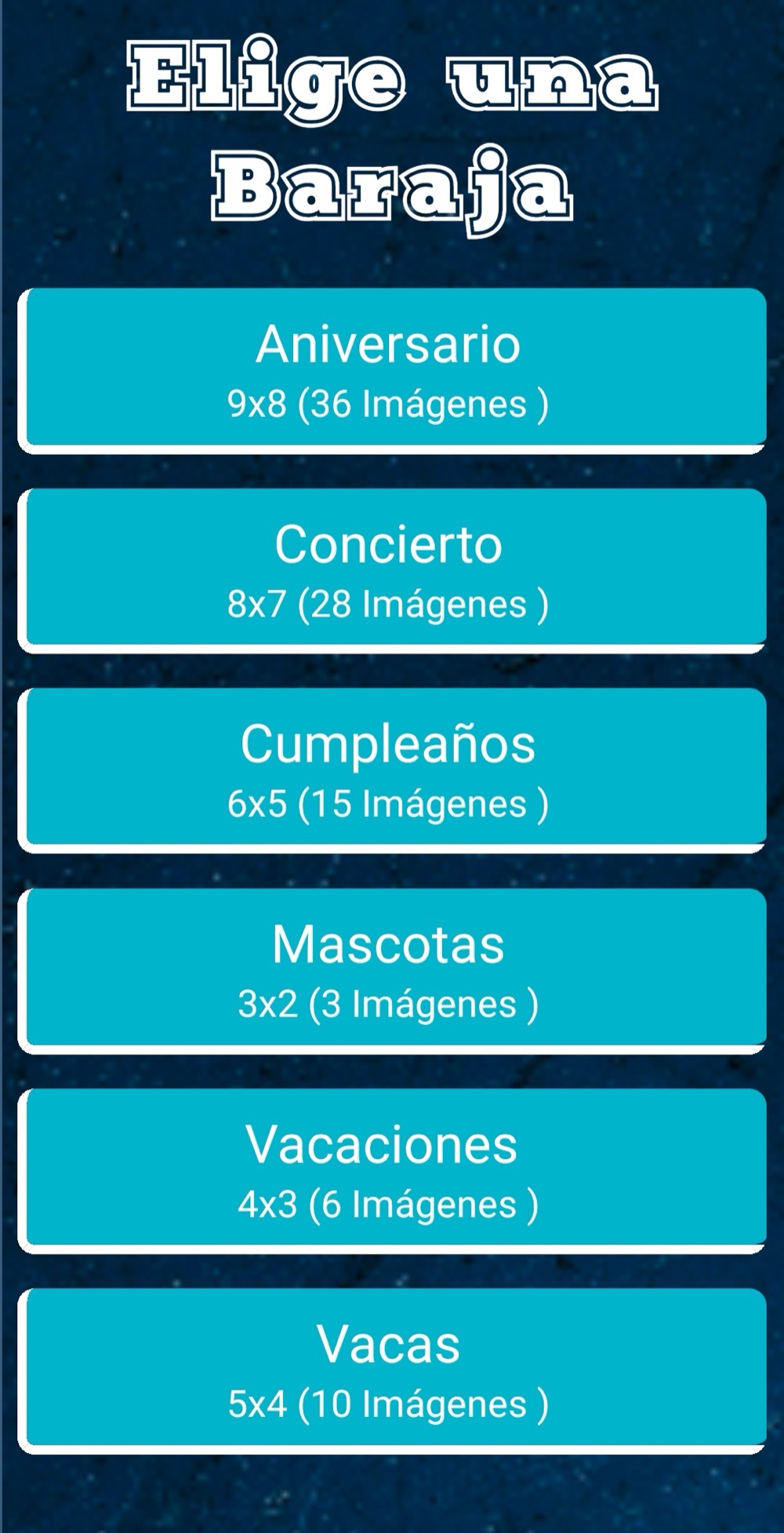
- Once the players are set, choose which deck you want to play with.
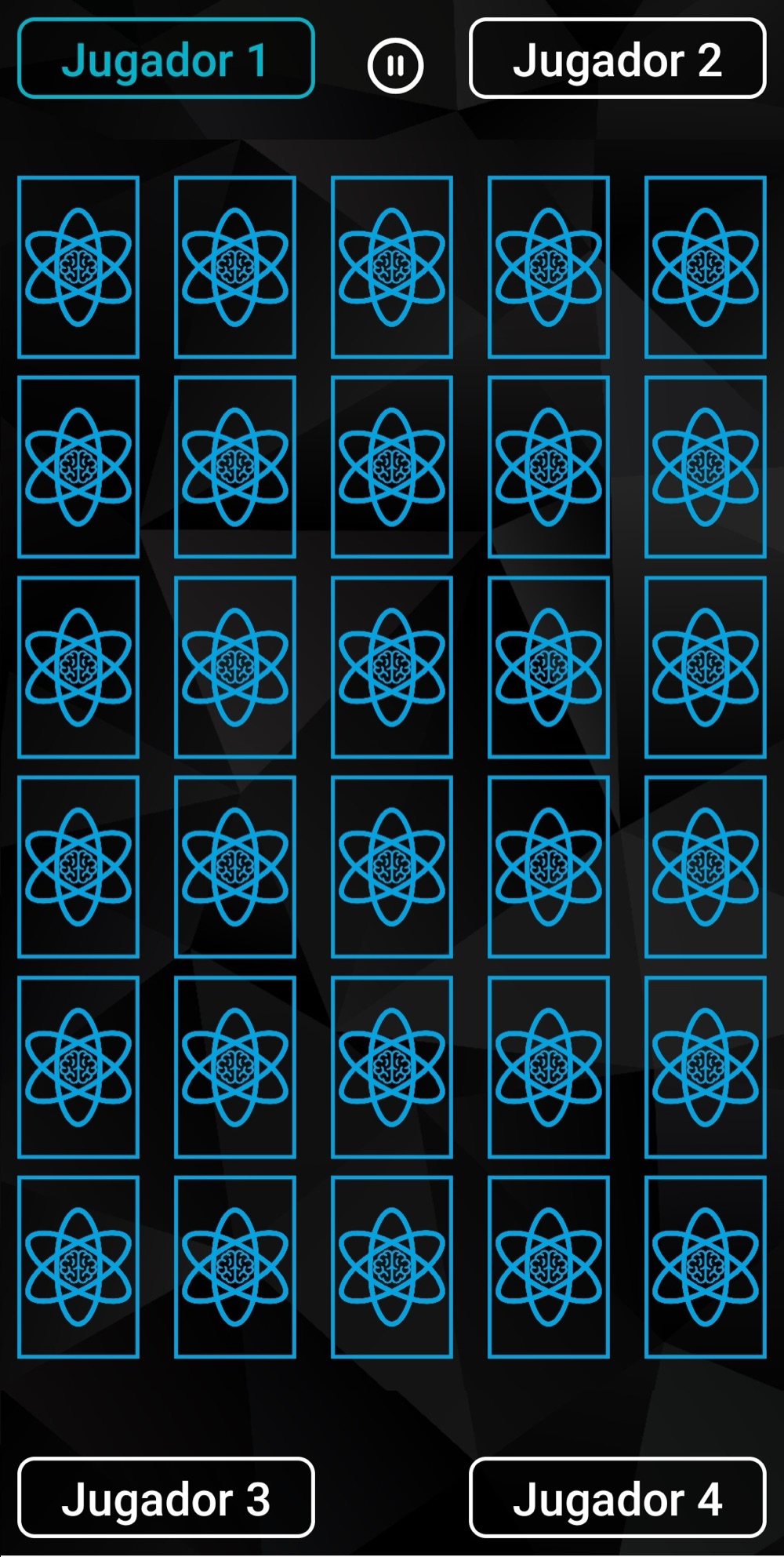
- Now everything is ready to start playing and see who can remember the most cards.
Game rules:
- The game is turn-based and the number of the player who can start lights up in color.
- On a player's turn, they must tap two cards to flip. If the cards match, they stay face up, it counts as a point, and their turn continues.
- A player loses their turn when the pair of cards they flip are different.
- The game ends when all cards are face up.
- In case of a tie, the winner is whoever started first. For example: if there's a tie between player two and player four, the winner is player two.
*Note: The photos added to the game are saved only and exclusively on your device; at no point are they uploaded or backed up to any server or place outside your own device, unless stated in our privacy policy or through this channel.
Data practices
This version includes ads and collects the device advertising identifier. The full detail lives in the privacy policy.