

Screenshots
How to use it
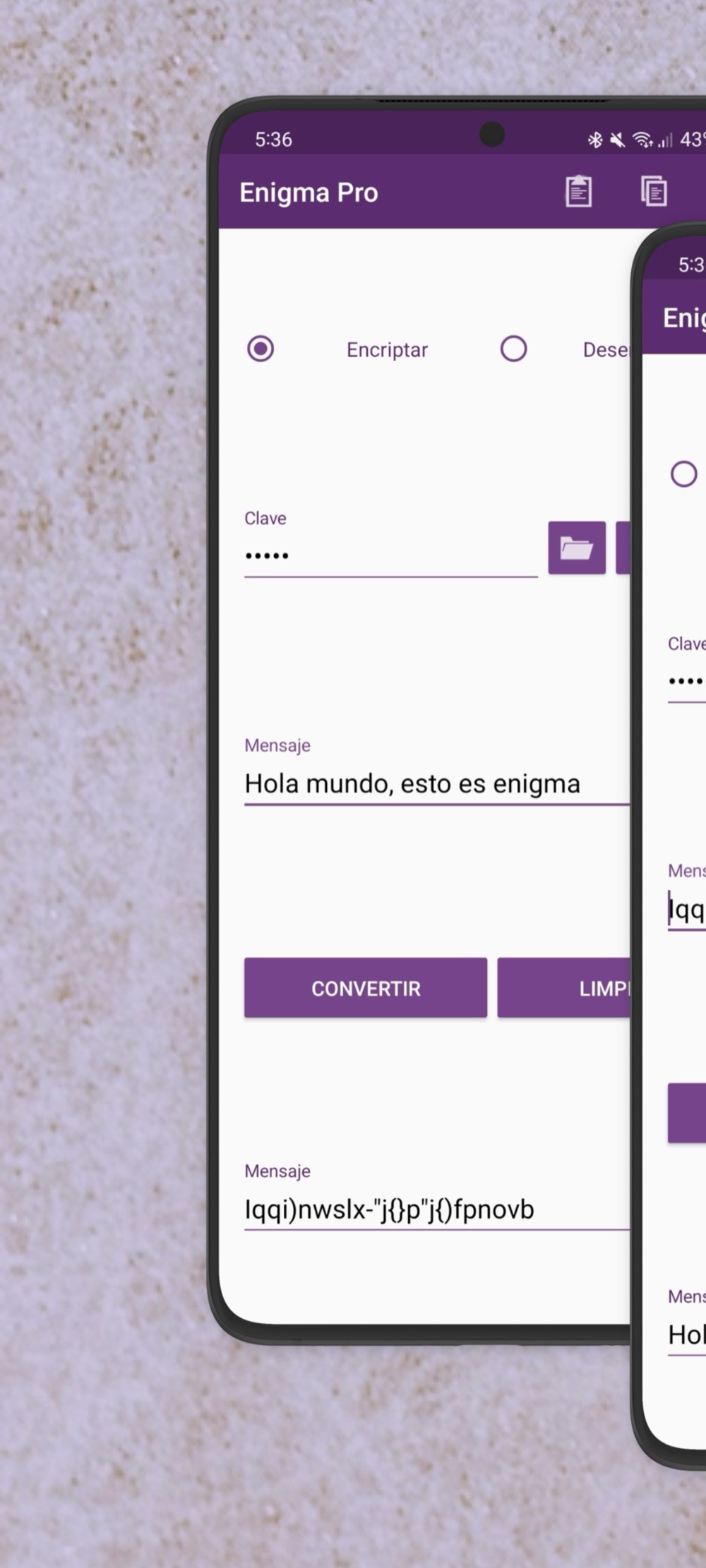
Description
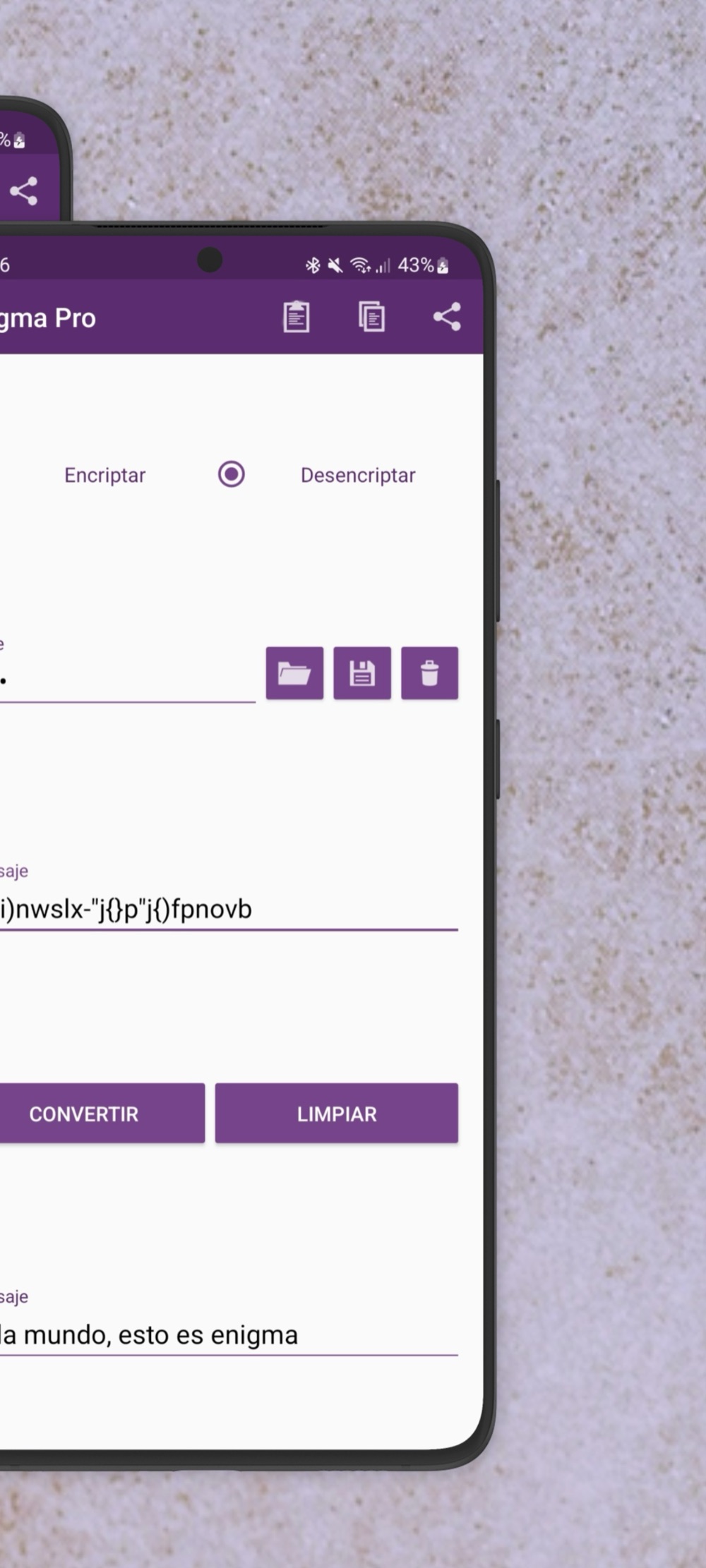
Enigma lets you encrypt and decrypt your messages with a numeric key created by you, ad-free. This gives you more privacy and security in your conversations or texts.
To encrypt:
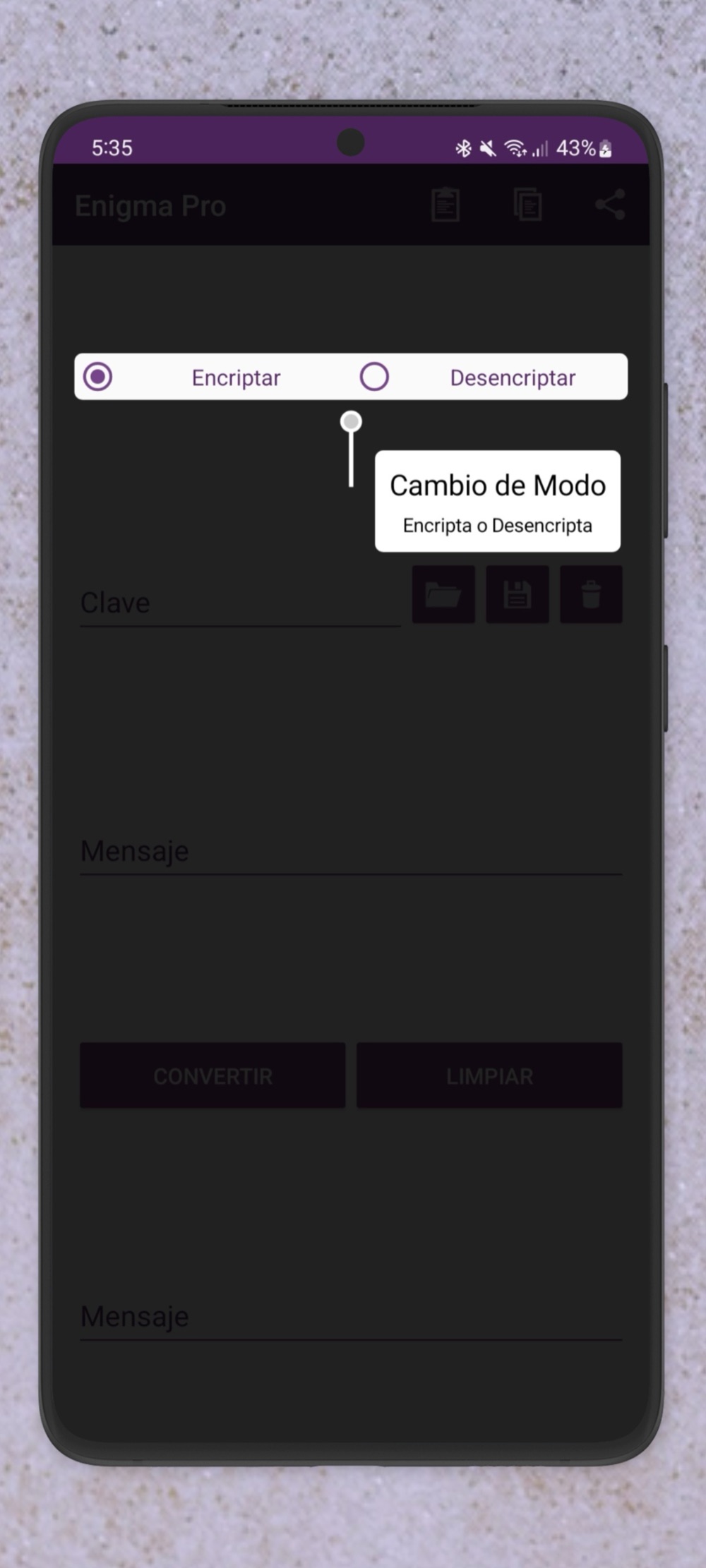
- Select encrypt
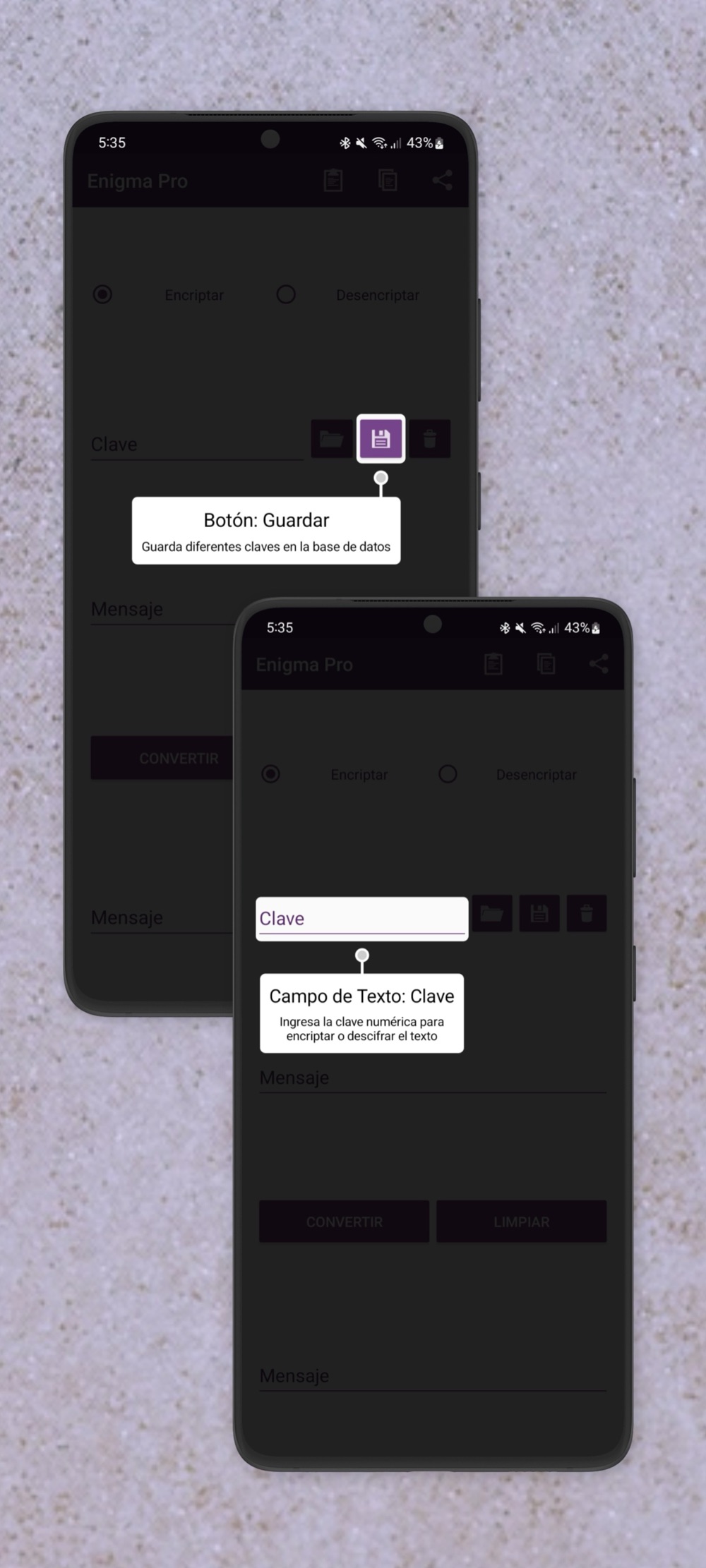
- Enter a numeric key (the longer and more random, the better)
- Type or paste your message
- Tap convert
- Copy and paste it wherever you want or share it to your favorite social network
To decrypt:
- Select decrypt
- Enter the same numeric key the message was encrypted with
- Type or paste your message
- Tap convert
You can also save several security keys on your device and access them quickly.
To save a security key:
- Enter the security key
- Tap the save icon on the right
- Enter a name to identify it
To use a security key:
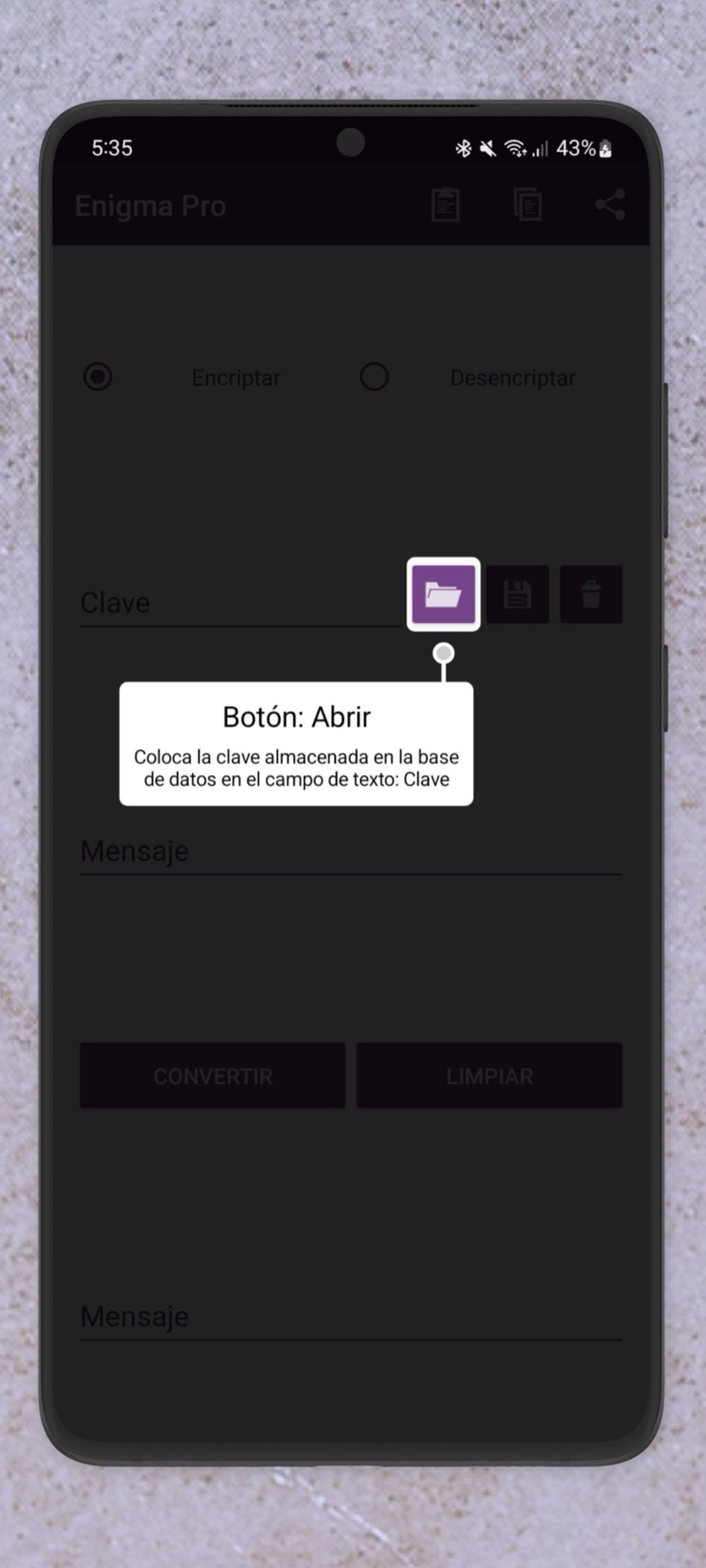
- Tap the open icon
- Select the security key to use
To delete a security key:
- Tap the delete icon
- Select the security key to delete
Important: No message or security key is stored on any of our servers.
For any question, suggestion, doubt or to report a bug, send us an email. We're constantly growing to offer you the best possible app and experience.
Don't forget to leave your review and rating, and to share the app with your friends. It helps us a lot to reach more people.
Data practices
This version has no ads and does not collect the device advertising identifier. The full detail lives in the privacy policy.